
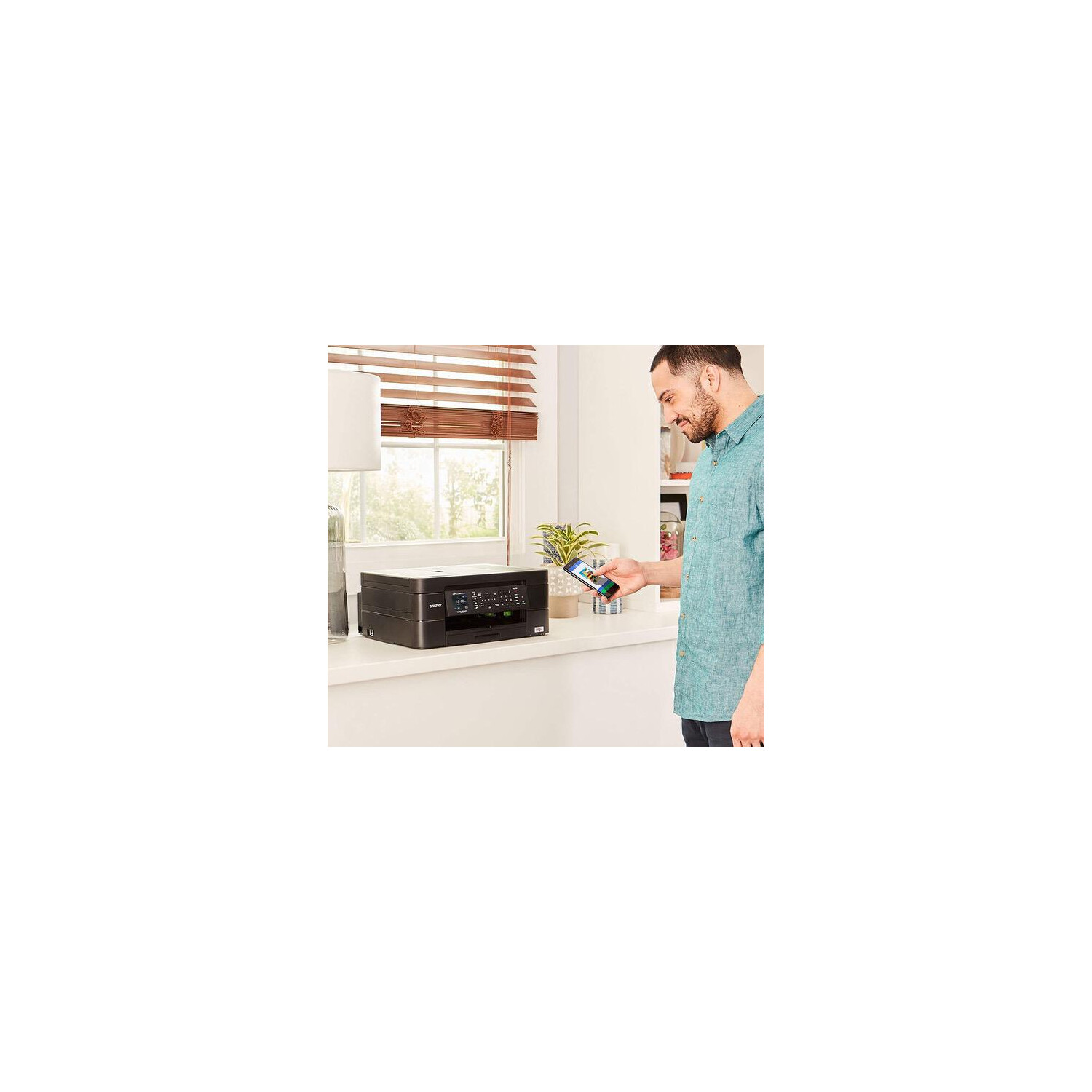
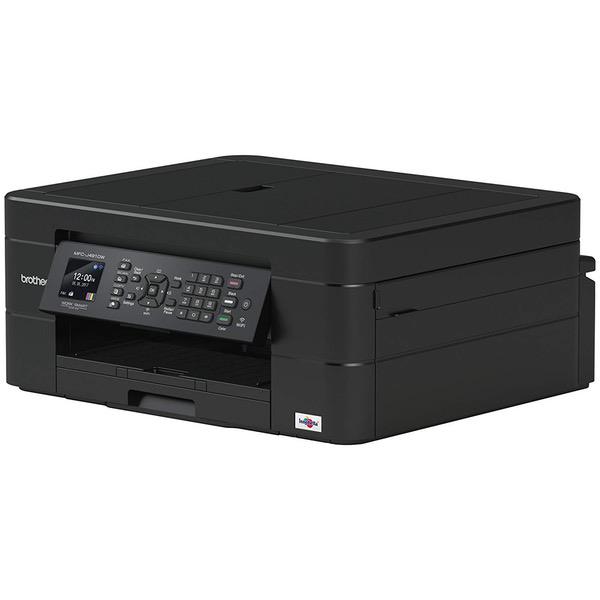
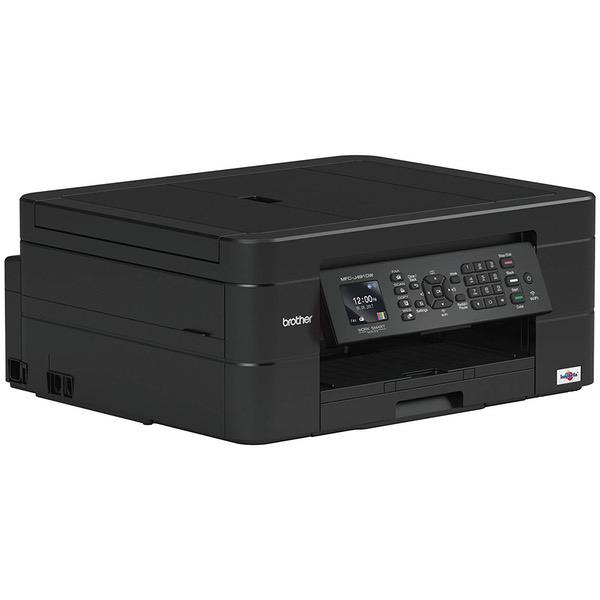
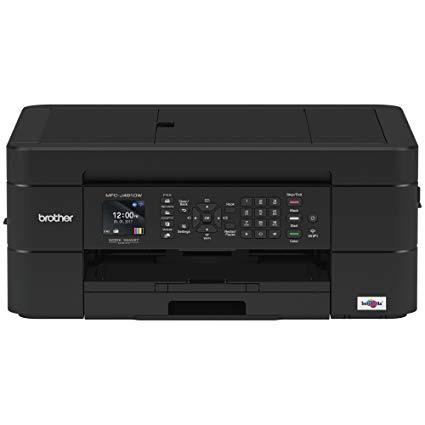
Brother Wireless All-in-One Inkjet Printer, MFC-J491DW, Multi-Function Color Printer, Duplex Printing, Mobile Printing,Amazon Dash Replenishment Enabled

اكتب تقييم
B07C4V4WWF
Target is a general merchandise retailer with stores in all 50 states and the District...

المدينة: KW, New York

Delivery
Pickup at your own expense
Tomorrow from 09:00 to 20:00, Store location
Free
Payment options
Apple Pay Google Pay Mastercard Visa
Cash, bank card, credit/installment payments, cashless payment for legal entities
Warranty and returns
Exchange/return of products of proper quality within 14 days Official manufacturer's warranty: 12 months
Features
Connectivity Technology
Wi-Fi
Item Dimensions
6.8 x 13.4 x 15.7 in
Item Weight
18.1 lbs
Operating System
  • Windows, Mac
Printer Output
Color
Printer Technology
Inkjet
Wireless Type
802.11bgn
Description
This fits your .
Make sure this fits by entering your model number. SIMPLE TO CONNECT: Choose from built-in wireless or connect locally to a single PC or Mac via USB interface. MFCJ491DW offers easy-to-set-up wireless networking MOBILE PRINTING: Print wirelessly from mobile devices(1) using AirPrint, Google Cloud Print, Brother iPrint&Scan, Mopria and Wi-Fi Direct CLOUD CONNECTIVITY: Scan-to popular Cloud services directly from the printer including Google Drive, Dropbox, Box, OneDrive and more(2) VERSATILE PAPER HANDLING: Automatic document feeder and up to 100-sheet capacity paper tray for letter/legal-size paper for flexible printing FOR USE WITH BROTHER GENUINE INKS: LC3011BK, LC3011C, LC3011M, LC3011Y, LC3013BK, LC3013C, LC3013M, LC3013Y AMAZON DASH REPLENISHMENT ENABLED: Upon activation, Amazon Dash Replenishment measures the ink level and orders more from Amazon when it’s low
Reviews
3.5
التقييمات: 20
5 نجمة
55%
4 نجمة
5%
3 نجمة
5%
2 نجمة
0%
1 نجوم
35%
Jackie PB
5
I work from home and needed a printer to be able to get projects done independently (otherwise I was emailing to collegues and asking them to print for me and I would pick it up, talk about inconvenient). I was beyond overwhelmed with all the types of printers to choose from. After finally giving up and just randomly picking one, I chose this Brother printer because I love the brand and it was very affordable. After I received it, I realized that it actually has ALL of the bells and whistles that I wanted and thought that only the $150+ printers had. It can scan-to-email (BEST THING for working-at-home), print wirelessly, print high quality documents semi-quickly, is very efficient on ink use, is quiet, has the multi-page scan tray (though they tend to come out a bit crooked, not a big deal to me), and just seems to be an all around quality piece of equipment. I really didnt want to settle for a basic printer after working in an office where the printers are top of the line and I LOVE my brother printer, it is a smaller version of the huge Sharp commercial ones.
Zach
5
I purchased this printer to replace an old HP I had. Setup was a breeze, and it works with all my computers and mobile devices. I love the scan and email functions it has, plus the ability to link to online cloud storage accounts. All copies are crisp and clear, printing is clear and fast as well. The ink is moderately priced, and seems to last far longer than my HP ink did. As an added bonus, the ability to link this printer to amazon dash replenishment for the ink is amazing. It automatically orders even Im low, so no more needing to drive out to buy ink. Plus the discount while using dash is a no brainer. Great all in one printer for home or office.
Robert J. Martin
5
I am just reviewing my set up experience, which was excellent. Print on everything seems just a tad light, but very crisp and clear. This machine was relatively inexpensive at $59 considering that replacement inks on the internet are about $13 from brother and about half that amount from other suppliers. It is also full featured with 2 sided printing and auto doc feeder. It took me about 15 minutes to get on my WiFi and printing. First time, no glitches. This is a huge advance over my multi day experience years ago with Hp and Half day with Epson. I bought the 4 year extended warranty. Hope I don’t have to use it.
Randy
1
Stick em’ up. The only purpose of the newer brother printers are to stick you with a high ink bill. I do 99 percent of my printing in black and white. My color cartridges empty at the same rate as the higher yield black cartridge. If the colors are out the printer shuts down even though you install a new black cartridge. After it says the cartridges are empty if you pop the covers off they are 75 percent full. You can refill them. You just have to buy more. Also the printer freezes up halfway through the printing and you have to restart and it is super slow at printing. I’ll never buy another brother.
Audrey E Wrobel
5
Great deals on the inks of this! I use often, most of the time for standard paper, but also cardstock. I got it because it is an inkjet, and I have printable fabric to use on it (just haven’t yet). It does not hook up to a computer in a way I am used to, so I would prefer to hook it into the back of my CPU, versus into a front USB I had to fish around it so it wouldn’t be in my way. However, it prints wirelessly too. It isn’t heavy, so you could bring it with you if you needed to.
Sock
5
I chose this printer based on ink costs- replacements are pretty cheap. Brother is also a reliable brand in general- even if their printers arent as "pretty" as HP or Cannon. Like most printers, you have to google the drivers to download or it wont work as smoothly as it could. I skipped the bloatware and only downloaded the drivers & updater tool, and it works fine. Its a little slow at printing, but Im not using it heavily so I dont mind. I set it up in about 15 minutes without issue. Fits nicely next to my PC
Robert Brasure
3
Im sure its a great printer but you have to deal with Microsofts bull crap, Im on hour two now of constantly resetting passwords and trying to download all the Microsoft stuff that I need just so I can print out this one paper for school, Im going to put it back in the box put it in the attic for the next 20 years to hide my shame in thinking that something could be easy as printing out a piece of paper. If anybody wants to become a multi-billionaire please come up with a user-friendly server whatever Microsoft is doing do the opposite. Brother, why why why do I need to deal with them?please just stick whatever I need on the CD so I can download it with no passwords required or emails or mothers maiden names favorite pet or first grade teachers name, just simply have everything on this CD so I can download what I need to do to properly operate the printer. If I came across a magic lamp and I was granted one wish it would not be for wealth or live forever or even a beautiful wife it would simply be to have a printer that would work, I press the button and away it goes. Sometimes I fantasize about all the things I could print out all the paperwork for school maybe a poster of my favorite pop star maybe even a picture of myself to hang on the wall but no theres none of that I just have a bunch of plastic and I spent a lot of money on that Im sure will work well but the operating system that unnecessarily needs for it too work has failed me.
Scott D.
5
One of the best low cost printers I have ever owned. Easy to use, easy to setup, nice software to download, great options (especially the 2 sided printing). Only thing that would make it perfect would be 2 sided scanning, but for the price it dies everything I could imagine. I can even print from my phone when I am not even at home thanks to the mobile app. Nice plug and play (basically) device. Was up and printing/scanning/copying/faxing in about 15 minutes total. Can control settings from either of or on the little screen on the printer itself. Prints shipping labels with no problem (even without that as a choice of paper)without telling it it is printing on label stock.
SB
1
From day 1 constant issues with print quality, particularly with color. Tech support walked me through a fix which used up every bit of ink and then some, but I figured if it fixed the issue it would be worth having to purchase the extra ink, which is super expensive. The fix worked for about 2 months, and now Im right back where I was to begin with. Poor color quality. Everything is either washed in yellow or red. Tired of the problem. Tired of buying ink. TIRED of this crappy printer. Tossing this heap and buying a different brand.
Kristen
5
We had been looking for a new printer to replace our Epson all in one that was only a couple of years old and had already failed. After owning multiple $150-350 all in one printers and seeing the reviews on this one I decided to give it a try. What was the worst that could happen for the price? So far it has been absolutely excellent. It prints very well, works well printing from our iPhones and is very easy to use. It used very little ink as well surprisingly. Even if it lasts a year I won’t be disappointed. It’s far better than any printer I’ve owned in a long time. Highly recommend.

Showing 10 of 20 review

Product variations
Column filling
ترتيب بواسطة السعر ترتيب بواسطة الامكانية ترتيب بواسطة الكود
اتصل بنا لمعرفة السعر
متوفر بالمخزون
B07C4V4WWF
You may be interested
  • Bestsellers
  • Recently Viewed
 
Similar products
KD‎ 669.00
Operating System Windows, Mac Printer TechnologyInkjet
KD‎ 379.00
Operating System Printer TechnologyLaser
KD‎ 474.40 KD‎ 1,186.00 -60%
Operating System Windows, Mac Printer TechnologyInkjet
KD‎ 104.00
Operating SystemWindows Printer TechnologyInkjet
Show more




