
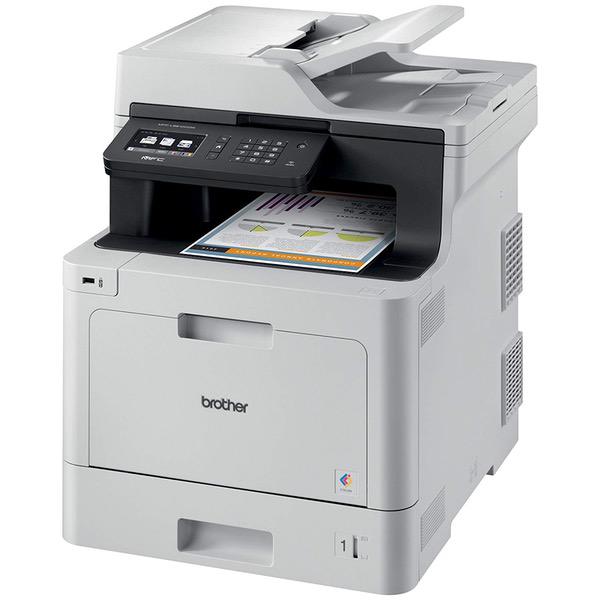
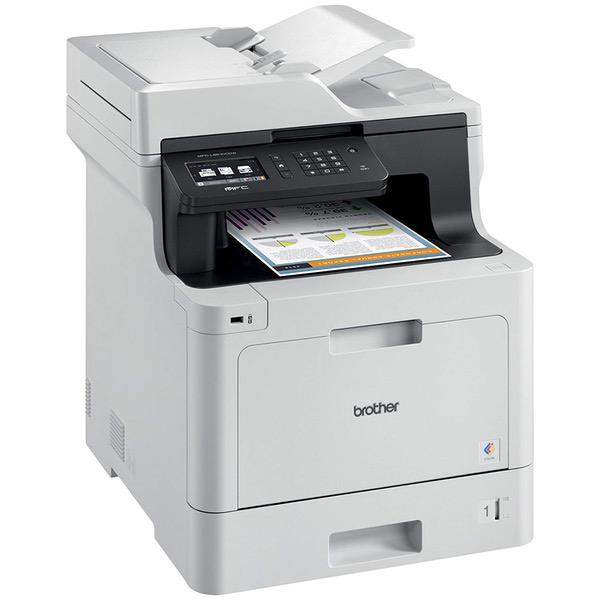
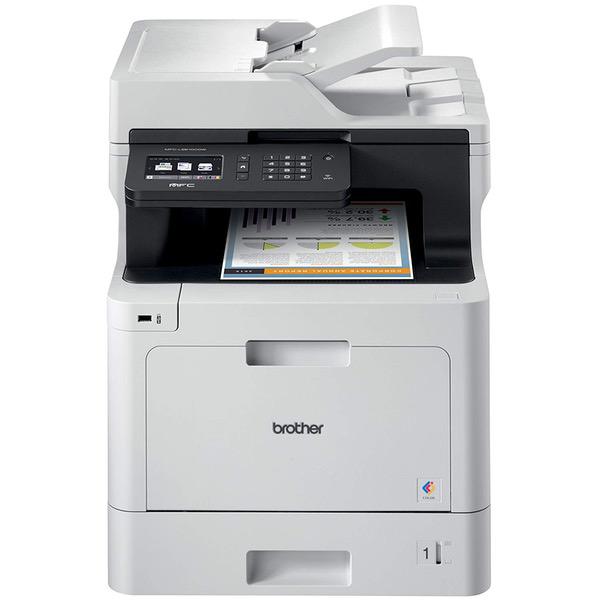
Brother Printer MFCL8610CDW Business Color Laser All-in-One with Duplex Printing and Wireless Networking, Amazon Dash Replenishment Enabled and High Yield Toner-Retail Packaging , Black|Cyan|Magenta|Yellow

اكتب تقييم
B077BHLTQY
Printer with Black/3 Pack Color Toner
Target is a general merchandise retailer with stores in all 50 states and the District...

المدينة: KW, New York

Delivery
Pickup at your own expense
Tomorrow from 09:00 to 20:00, Store location
Free
Payment options
Apple Pay Google Pay Mastercard Visa
Cash, bank card, credit/installment payments, cashless payment for legal entities
Warranty and returns
Exchange/return of products of proper quality within 14 days Official manufacturer's warranty: 12 months
Features
Style
Printer with Black/3 Pack Color Toner
Description
This fits your .
Make sure this fits by entering your model number. Upon activation, the Amazon Dash Replenishment service measures the toner level and automatically orders toner from Amazon when low. This ensures that you never run out again. Fast, business quality color printing and copying at up to 33ppm Brother Genuine TN433 High Yield Black toner cartridge Delivers crisp, professional color laser output with 4,500 page yield. Brother Genuine TN433 High Yield Cyan toner cartridge. Delivers crisp, professional color laser output with 4,000 page yield. Brother Genuine TN433 High Yield Magenta toner cartridge. Brother Genuine TN433 High Yield Yellow toner cartridge
Reviews
4.2
التقييمات: 20
5 نجمة
55%
4 نجمة
30%
3 نجمة
0%
2 نجمة
5%
1 نجوم
10%
James E. Oliver Jr.
5
Software seems to be trash, what a hassle. Will try tech support. I actually had to remove all other printers, then took forever to install on my computer. Trying to install the driver on my wifes computer...what a hassle..JUNK WARE !!! Update 10-25-18...I love this printer. Had issues at first...hence my shall we say "venting" but this little jewel has been a "pleasure" to use. I purchased a Dell printer (2155) years ago and was "NEVER" happy with that printer. I will always "buy Brother printers", and "avoid Dell printers" from now on.
Teresa Fazio
4
So far, so good. The quality of print is great and the colors are nice and vivid. The machine is quiet. It is quite large and heavy, and we wish it had a smaller footprint, but thats laser printers. One problem weve had is that it will not print two-sided documents even when we input that option when we set up the print job. I guess a call to customer service is in order when we get around to it.
Jem
5
This printer worked great with the Ethernet card. I am able to print from all of my computers that are linked to the same Wired Network at my work. You cannot have Ethernet and Wifi printing at the same time. THe only negative I see so far is that the Toners are very expensive. So I am still using my monochrome printer for daily printing, refills of which I buy as generic and less than half Brothers price
RJ Patton
4
Fantastic print quality and super fast. It’s really easy to setup and connect to your WiFi network. My only complaint is the cost of replacement toner cartridges. OUCH! Come on Brother, do you really need to charge $435.00 for toner? I realize it’s high yield toner but $435.00?
Andrii Holub
4
Good printer, but it seems to eat a lot of toner. Dont forget to switch to monochrome, as its cheaper to replace. The scan to email function is junk and its better to use shortcuts as a quick work-around.
GAB
5
I previously had an older Brother MFC which was a very reliable workhorse. This product confirms Brother as best in the MFC class. An amazing printer for a small business. Fast, high quality printing and easy network set up. Very good tech support. Highly recommended.
D. Brown
5
I waited a while before completing this review. You can refer to the product information for details on the printer. It is not small; be sure the size works for you. It was easy to set up and connected to my network very easily. Ive used it for a couple of months now; it is a good printer. Actually, this is my first Brother printer; Ive had many HPs and one Canon. While it isnt the fasted printer out there; it does everything, as you would expect for an all-in-one. and, the print quality is very good. I also like the large capacity paper tray. Easy to print to envelopes. I have no complaints at this time.
Bob
2
I hate HP, my office is full of them. They are loud, temperamental, and expensive to run. So when I saw a chance to go a new route I took it. This printer had the best reviews of any in its range. It was cheaper to buy and cheaper to run. Unfortunately after two paper jams that required the unit be stripped down and force fed wads of paper to clear its going back. Set up is easy, it has decent quality but if its this temperamental when brand new I dont want to see what it will be like when its out of Amazons hassle free return window. Back to HP.
natsu
5
It works well and was easy to install software and setup on the network. It is less trouble to find on the network than my other printers. I did have to turn off IP V6 to get it to connect to Google Cloud Print. Tech support answered that question in about 5 minutes. It was probably a problem with my network and not the printer. Printing and scanning work great from computers, chrome book and phones. It connects directly to Googles servers too. My old printer required a computer to on to cloud print. Do not be surprised. It is big and heavy. You might need help to get it out of the box. There are also lots of little pieces of tape inside to make sure it arrives in one piece. I hope it lasts as long time. I do not how good the toner life is yet.
Kenneth Korona
5
I print many thousands of pages of product labels a month. Many thousands. Ive used HP, Dell, and Oki printers. Oki died after a few thousand pages. HP and Dell suck you dry for their toner. They also dont match print quality. Someone else called Brothers toner policy "draconian". This statement couldnt be more wrong. These cartridges DO NOT have a smart chip that disables them in order to force you to buy a new one. Instead they have a gear that turns a little each page print. When the gear turns too far, the printer detects it and flags the cartridge as empty. But the cartridge may still be half full of toner. So all you need to do is take 3 screws out of the end of the cartridge, turn the gear back to its original position, and put the 3 screws back in. Takes 2 minutes. If you want to be slicker, you can also refill the cartridge with bulk toner. I dont do this because the toner itself cost about 80% of a new cartridge. You can get OEM cartridges for about $18. They last a long time especially if you do the reset. Compared to HP or Dell, Im now spending less than half on toner. After my experience with Brother, I will NEVER buy another HP or Dell or Oki printer. Thank you Brother...

Showing 10 of 20 review

Product variations
Column filling
ترتيب بواسطة السعر ترتيب بواسطة الامكانية ترتيب بواسطة الكود ترتيب بواسطة Style
اتصل بنا لمعرفة السعر
متوفر بالمخزون
B077BHLTQY
Style:
Printer with Black/3 Pack Color Toner
اتصل بنا لمعرفة السعر
متوفر بالمخزون
B077B7KKCB
Style:
Printer with High Yield Black Toner
اتصل بنا لمعرفة السعر
متوفر بالمخزون
B06XDRP59Y
Style:
MFCL8610CDW
You may be interested
  • Bestsellers
  • Recently Viewed
 
Similar products
KD‎ 669.00
Operating System Windows, Mac Printer TechnologyInkjet
KD‎ 379.00
Operating System Printer TechnologyLaser
KD‎ 474.40 KD‎ 1,186.00 -60%
Operating System Windows, Mac Printer TechnologyInkjet
KD‎ 104.00
Operating SystemWindows Printer TechnologyInkjet
Show more




