




M. Sorensen
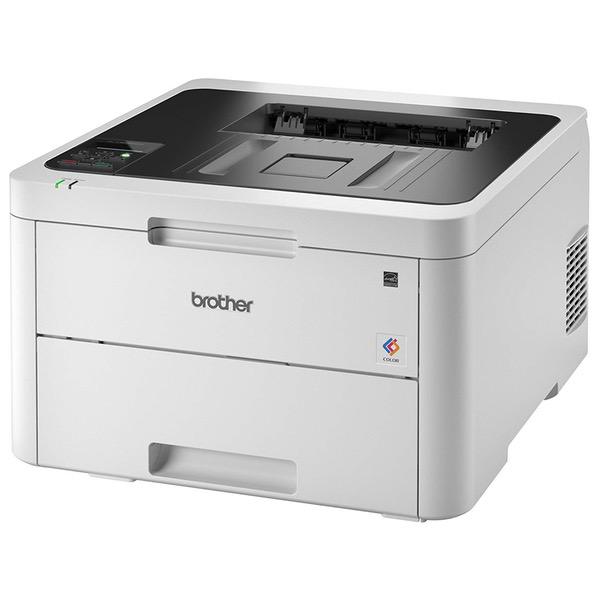
Ive bought at least 6 Brother Laser printers. Ive been very happy. I recommend them to everyone. I use a HL-2270DW daily. It is rock solid. I assumed the HL-3170CDW would be the same, but with color. WRONG. It is constantly "offline" despite being connected to the same router as my HL-2270DW which is never offline. The 2 devices are on the same shelf. The on device display shows "Print Unavailable" and Windows show "Offline". Rebooting the printer fixes the problem. So, basically I need to reboot the printer every time I want to print. I was also looking forward to the Google Cloud Print support. That is even worse. It always appears offline. Rebooting doesnt fit it. When I go to the printer web interface, it shows Google Cloud Print is "Unregistered". It seems every time I reboot, I have to re-register with Google Cloud Print. To be fair, Im happy with how it prints when I can get it to print. UPDATE: Tried switching to use a static IP address. Didnt help. Printer is offline. Cant print directly from windows or via Google Cloud Print. Cannot access the webpage using the IP address. Cannot ping. Orange light on printer and LCD display reads "Print Unavailable". Turned printer on and off. I can print now, but Google Cloud Print is "Unregistered" again. It appears I need to reboot this printer every day to print. And every time I reboot the printer it looses the Google Cloud Print registration. UPDATE (5/2018): Printer has been online for about 2 weeks now for printing from Windows. Unfortunately, it still cannot stay "registered" with Google Cloud Print. The printer appears in my list of printers at google.com/cloudprint, but offline. Howerver, on the printer management page it says "unregistered". When I click the register button, I get a second printer with the same name. I then need to delete the old printer and reshare the new printer with family members. Each family member then needs to accept the new shared printer. Update (9/2018): Printer still wont stay connected to Google Cloud Print. Basically, I need to reconfigure Google Cloud Print every time I want to print from a chromebook. However, the printer has been working reliably from windows. Adding one star because I do like having a color laser printer. But, it is useless as a Google Cloud Printer (which is 1/2 the reason I bought this model). Updated (9/2018): Tried updating firmware to the latest to fix the issue de-registering from Google Cloud Print. 24 hours later the printer appears offline in Windows, offline on Google Cloud Print, and shows the "Unavailable" error message on the LCD display. I should have left the firmware alone. That sucks.





