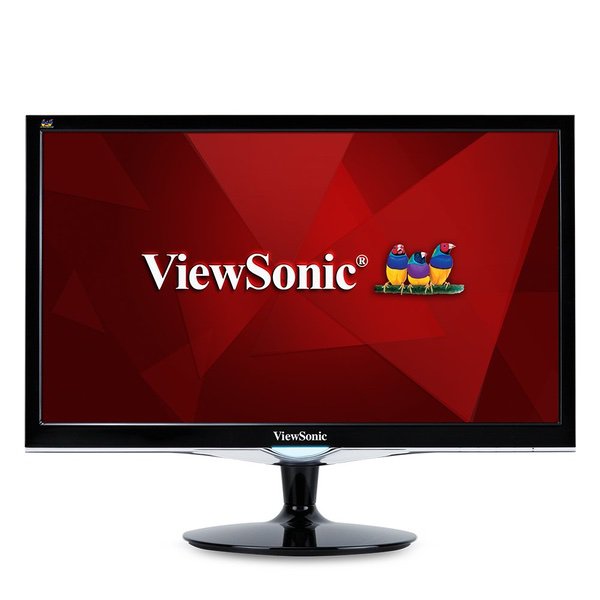
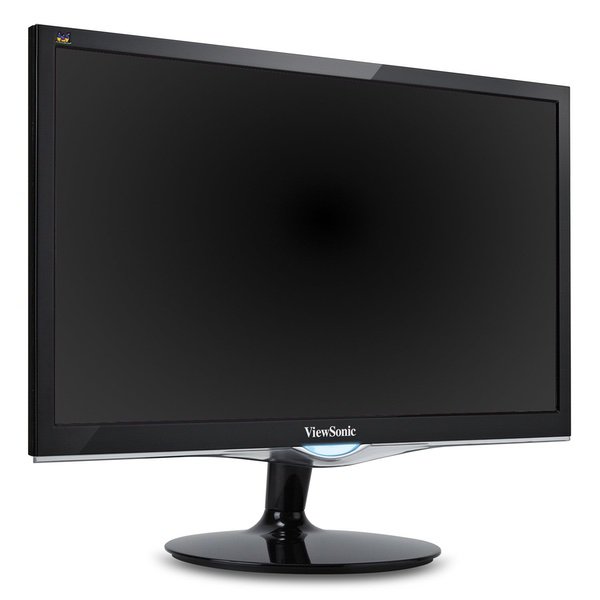
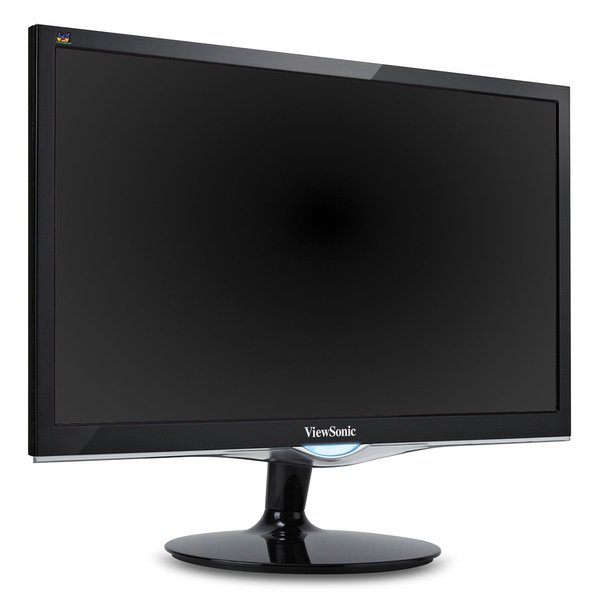
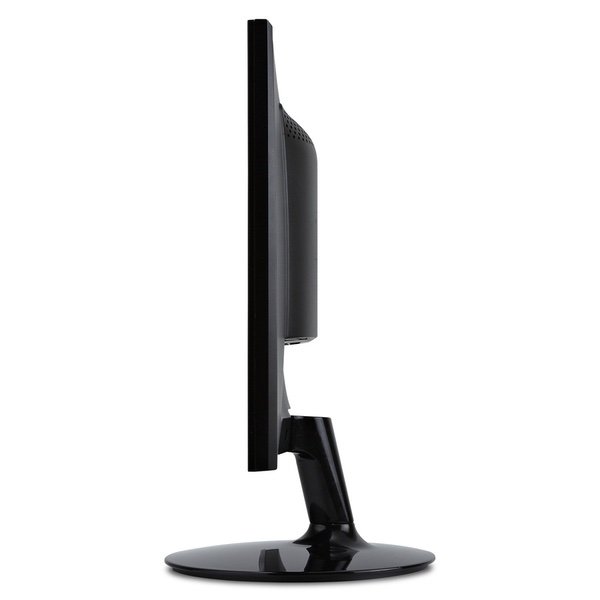
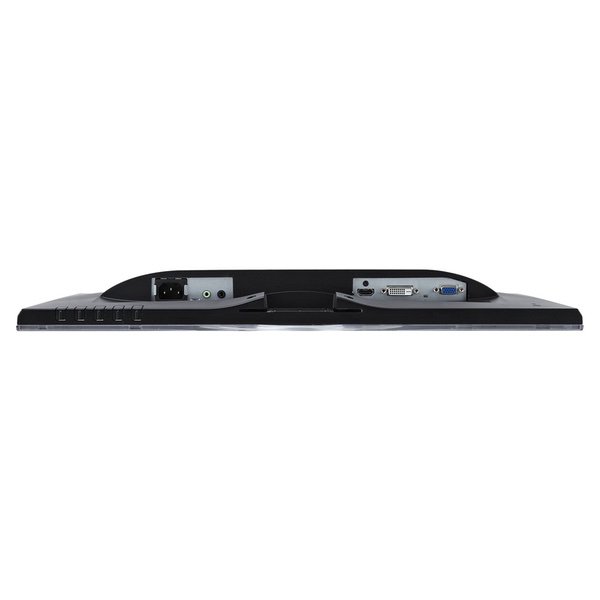
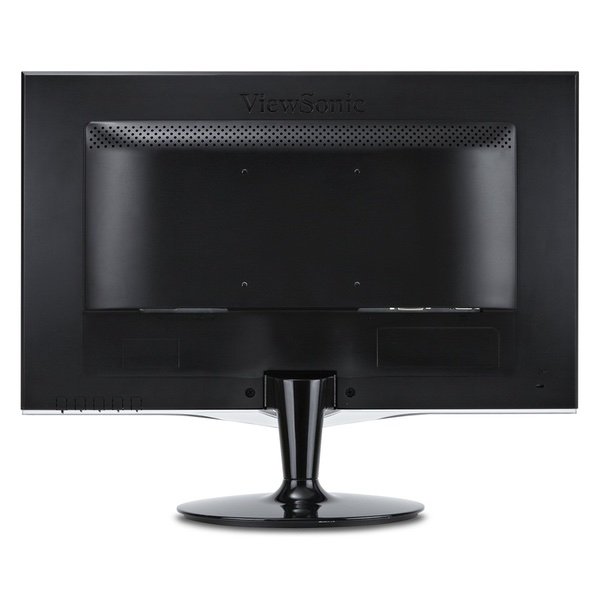
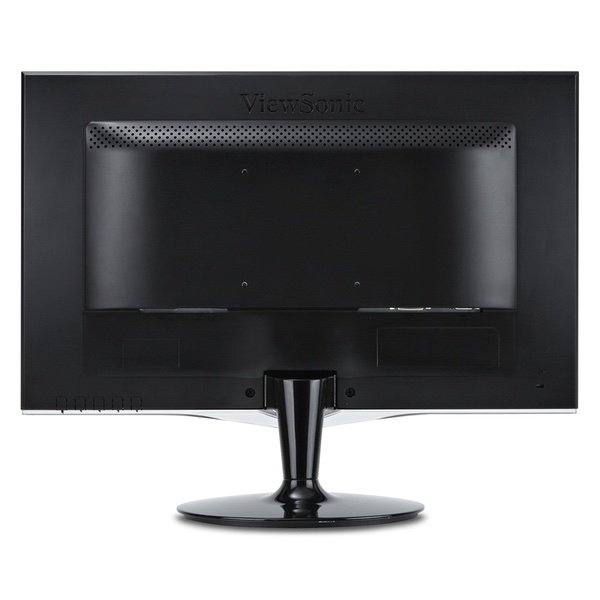
ViewSonic VX2252MH 22 Inch 2ms 60Hz 1080P Gaming Monitor with HDMI DVI and VGA inputs
Write a review
KD99.00 KD149.00

ViewSonic VX2252MH 22 Inch 2ms 60Hz 1080P Gaming Monitor with HDMI DVI and VGA inputs

Write a review
B00EZSUWFG
+
Add to wish list
Target is a general merchandise retailer with stores in all 50 states and the District...

City: KW, New York

Delivery
Pickup at your own expense
Tomorrow from 09:00 to 20:00, Store location
Free
Payment options
Apple Pay Google Pay Mastercard Visa
Cash, bank card, credit/installment payments, cashless payment for legal entities
Warranty and returns
Exchange/return of products of proper quality within 14 days Official manufacturer's warranty: 12 months
Features
Display Type
LED
Item Dimensions
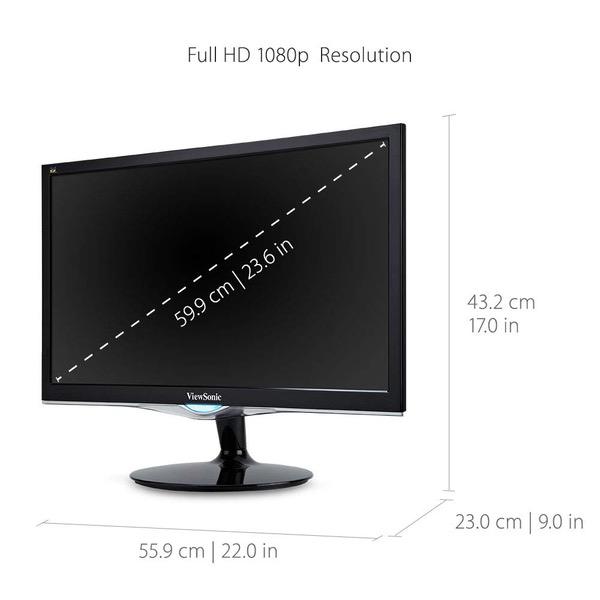
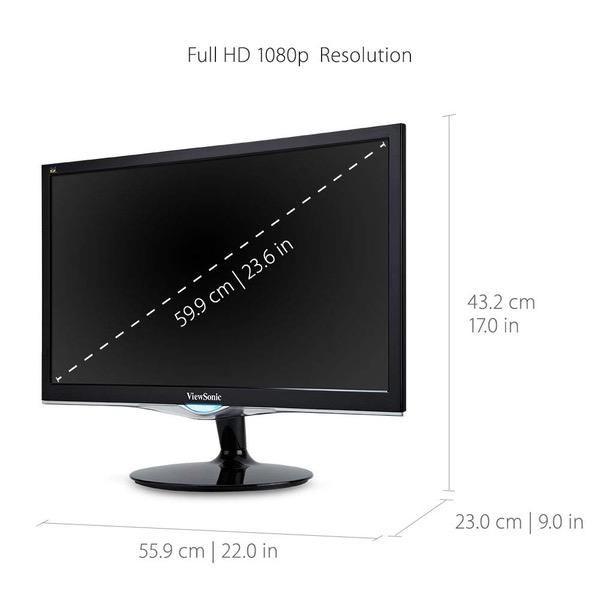
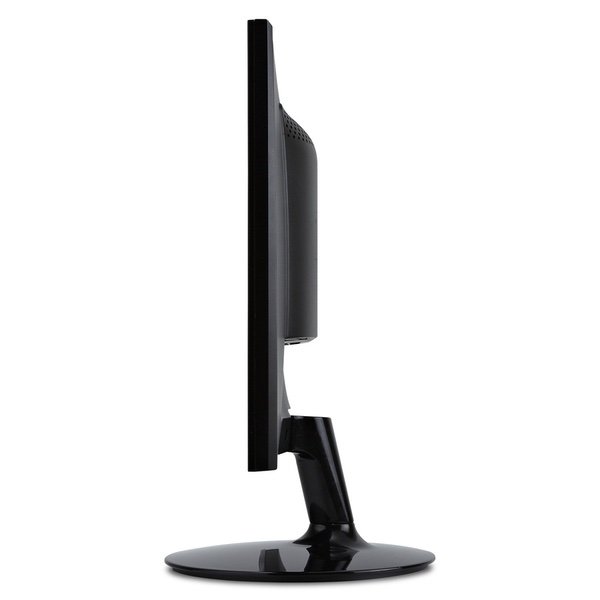
8.8 x 20.1 x 15.8 in
Item Weight
7.2 lbs
Mount Type
Mounting-Hole Pattern 100 x 100 mm
Refresh Rate
144 hertz
Resolution
1920 x 1080
Screen Size
22 in
Aspect Ratio
1.78:1
Description
This fits your .
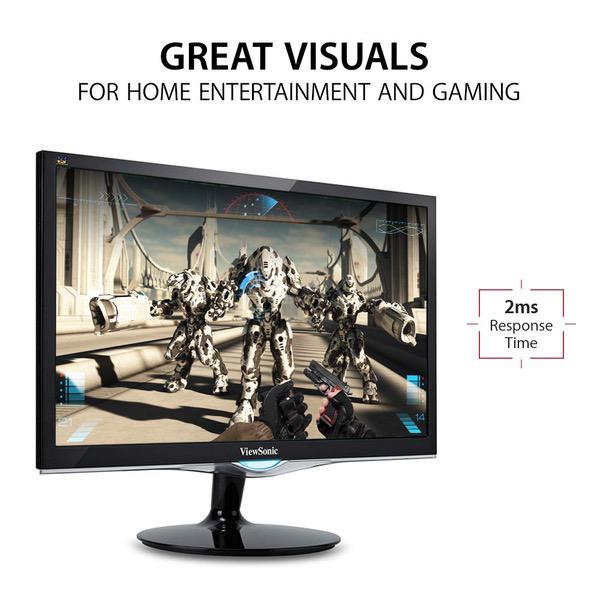
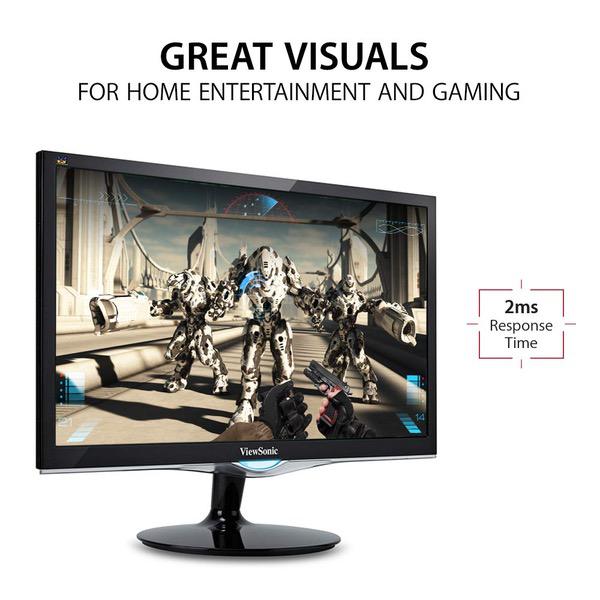
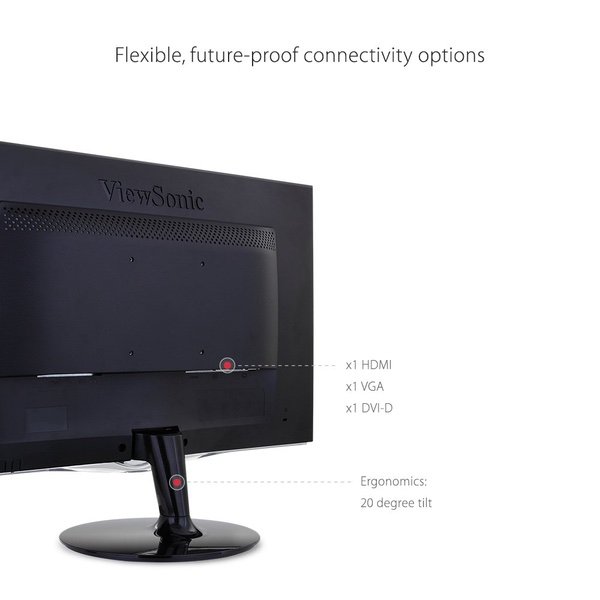
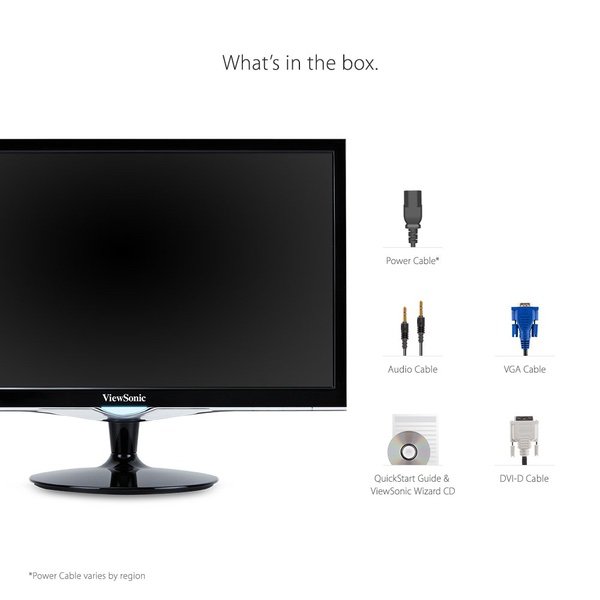
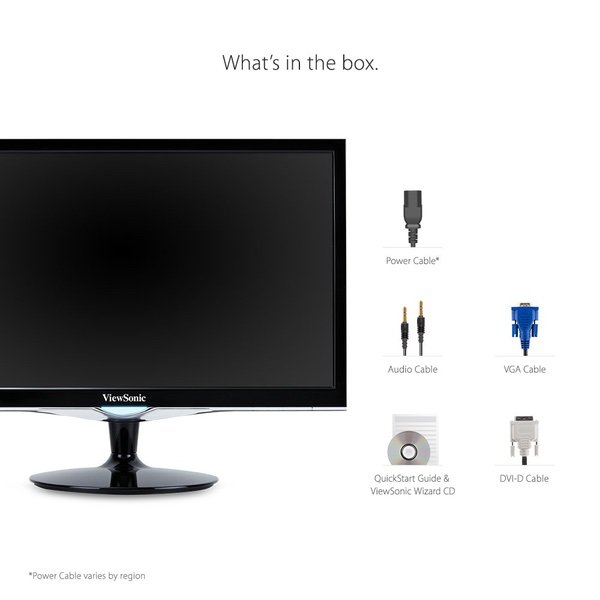
Make sure this fits by entering your model number. Form & Function: with modern design, and full HD (1920x1080p) resolution, this monitors look as good as it performs Game on: an arsenal of pre-set customizable visual modes keeps you ready for gaming and multimedia entertainment Maximized color & contrast: Mega dynamic Contrast Ratio delivers sharp, crisp images Flexible connectivity: The VX2252MH supports laptops, PCs, and Macs with HDMI, DVI, and VGA inputs Industry-leading warranty: 3-year coverage with access to our US-based customer service team Included in the box: LCD monitor, power cable, DVI cable, VGA cable, and audio cable
Reviews
4.2
Reviews: 20
5 stars
55%
4 stars
30%
3 stars
5%
2 stars
0%
1 star
10%
gwyz
3
For the price, the picture is nice and I have no dead pixels. However, the sound is so dismal that were it not for the deeply discounted price I paid, I would return it. It is sad to say it would not be an exaggeration to say the sound is _literally_ no better than a string attached to a tin can; (really... literally). It is is _that_ bad. For that reason, I decided to not use the HDMI cable from my computer to the screen; (which, when used, give you no choice but to use the internal tin-can-speaker system). Instead, I attached my Digital DVI cable between my computer and the Viewsonic Display, which allowed me to use an external speaker. I was previously using my (20 year old) top of the line Dell Display which had an optional "sound bar" attached to the bottom with two small screws. I removed the sound bar and now have it laying behind this Viewsonic Display. *NOW* the quality of the sound matches the quality of the picture. [Short Version]: If you must use this Viewsonic Display (or any Viewsonic model within this price range), along with an HDMI cable, be prepared for _horrific_ sound in which my analogy of "a string and a tin can" is extremely accurate. The problem with using HDMI is that you have no choice but to use the internal tin-can sound system. NOTE: I tried a few of the Viewsonic models in this price range. Apparently, anything under $150 gets you a string and a tin can for a sound system. It truly is pathetic, and were it not for this issue Id give the Display 5 stars... especially for the price.
Product variations
Column filling
Sort by Price Sort by Availability Sort by CODE Sort by Screen Size
KD119.00 KD169.00
In stock
+
B00EZSUVHK
Screen Size:
24 in
KD99.00 KD149.00
In stock
+
B00EZSUWFG
Screen Size:
22 in
You may be interested
  • Bestsellers
  • Recently Viewed
 
Similar products
Show more